This guide explains product limitations and restrictions in the self-checkout (SCO) application mode. While SCO supports most standard product types, certain specialized product categories are not compatible with self-service operations. Understanding these limitations ensures proper product configuration and helps prevent operational issues during customer self-checkout sessions.
Product type restrictions in SCO
The SCO system is designed to handle standard retail products that customers can independently scan, identify, and purchase. However, several product types require staff intervention or specialized handling that is incompatible with the self-service nature of SCO operations.
Service products
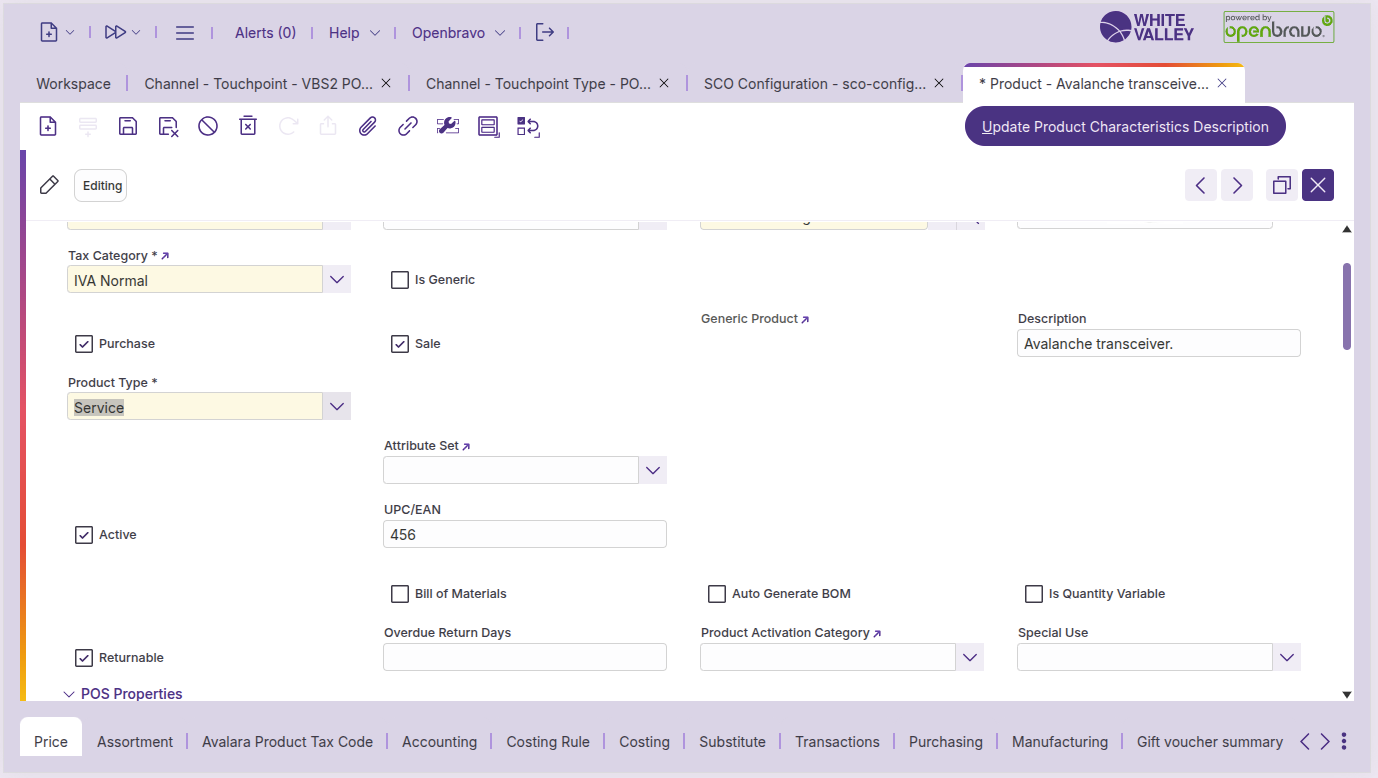
Service product limitation. Service products are not supported in SCO application mode. These products are added to the system as normal items.
Alternative handling. When customers need to purchase service products, staff must switch the terminal to POS mode to complete the transaction with appropriate consultation and configuration.
Complementary products
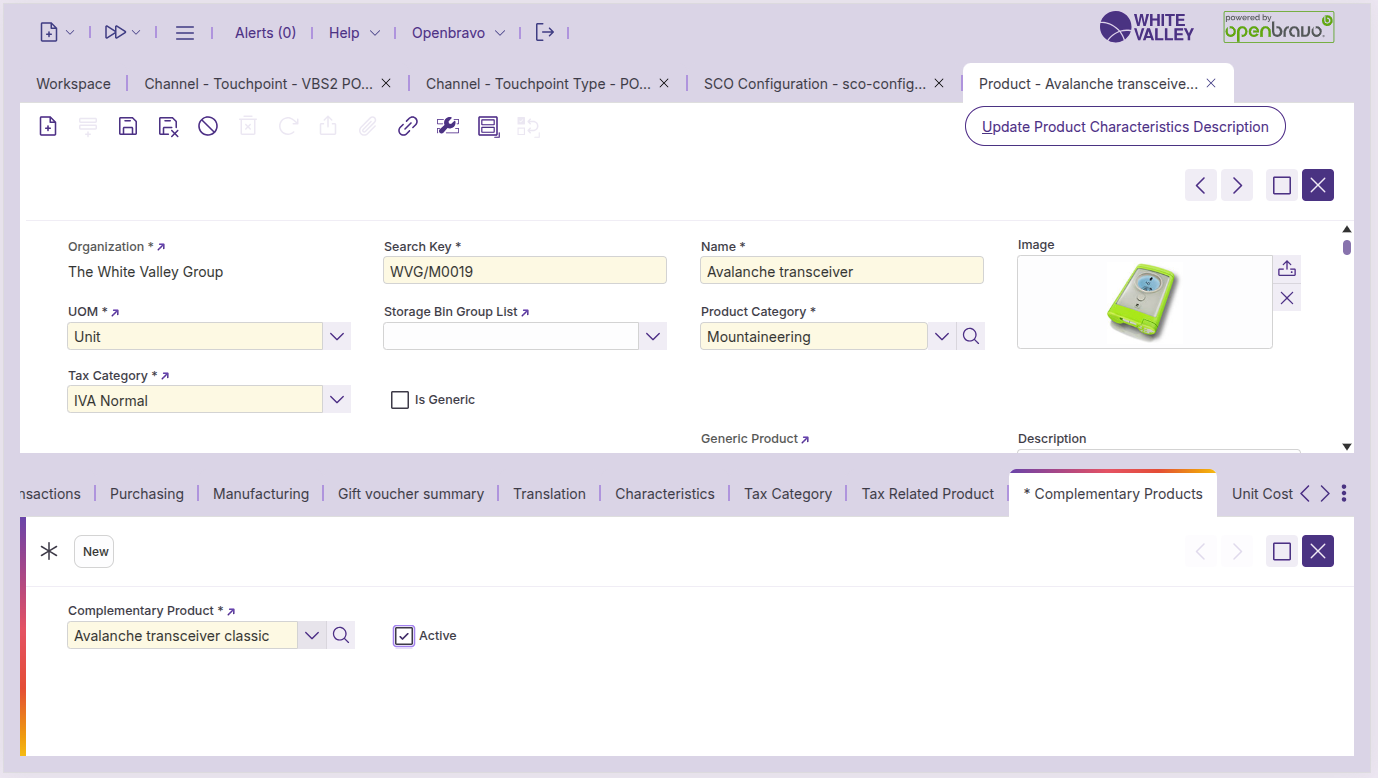
Complementary product limitation. Complementary products are not supported in SCO application mode due to their dependency relationships and complex bundling logic. These products are added to the system as normal items.
Alternative handling. Staff must switch to POS mode to handle complementary product transactions, ensuring all bundling rules, dependencies, and promotional relationships are properly applied.
Products with price request
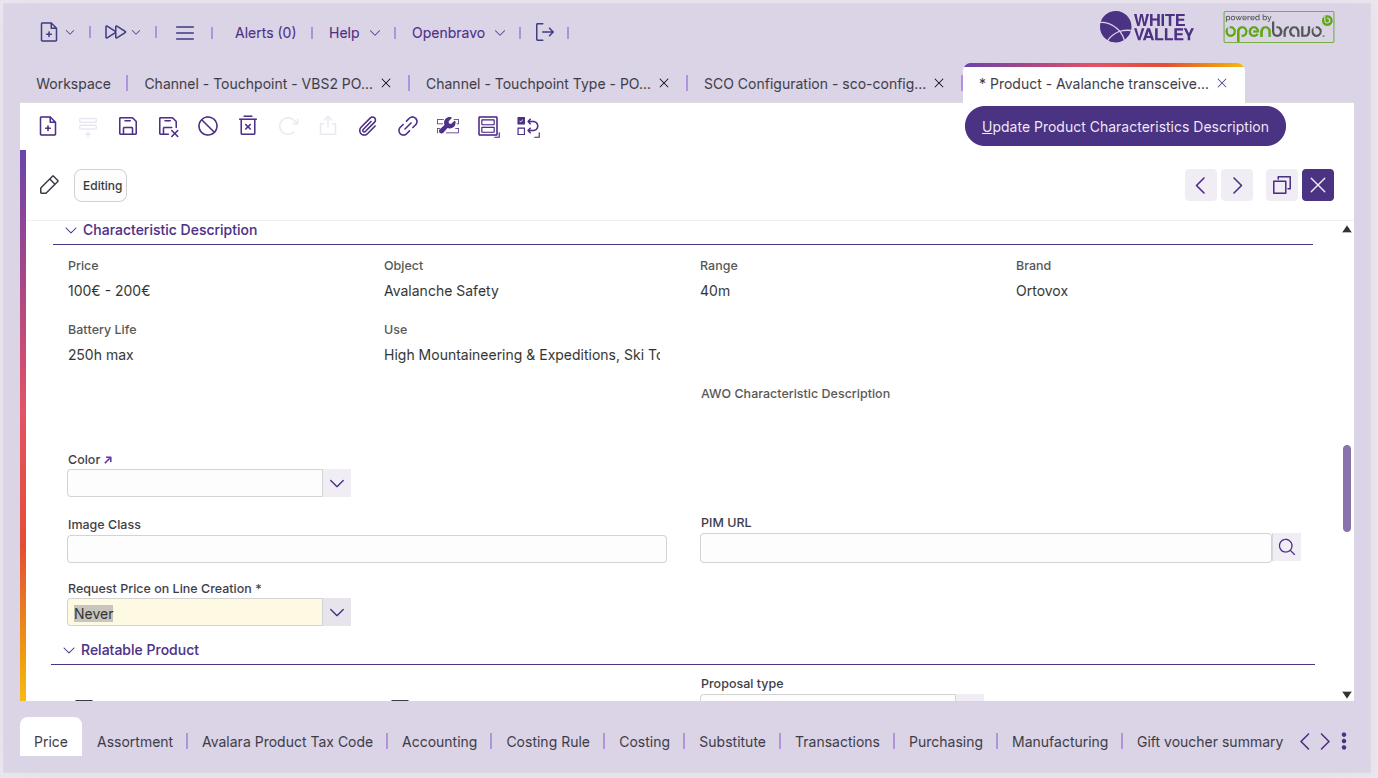
Price request product limitation. Products configured with price request functionality are not fully supported in SCO application mode, as they require staff intervention for price determination.
SCO behavior for price request products. When customers attempt to scan or enter price request products in SCO, the system will:
-
Detect the price request configuration
-
Display assistance popups based on configuration settings
-
Block the transaction and call for staff assistance
-
Require supervisor approval to proceed with the transaction
Staff intervention required. Price request products always require staff involvement, either through supervisor approval in SCO mode or by switching to POS mode for proper price handling.