
This guide explains how to use the Goodbye screen in the self-checkout (SCO) system. The Goodbye screen appears at the end of each customer transaction to provide a friendly farewell and prepare the terminal for the next customer. This screen ensures a smooth transition between customers and maintains the welcoming experience of the SCO system.
Goodbye screen overview
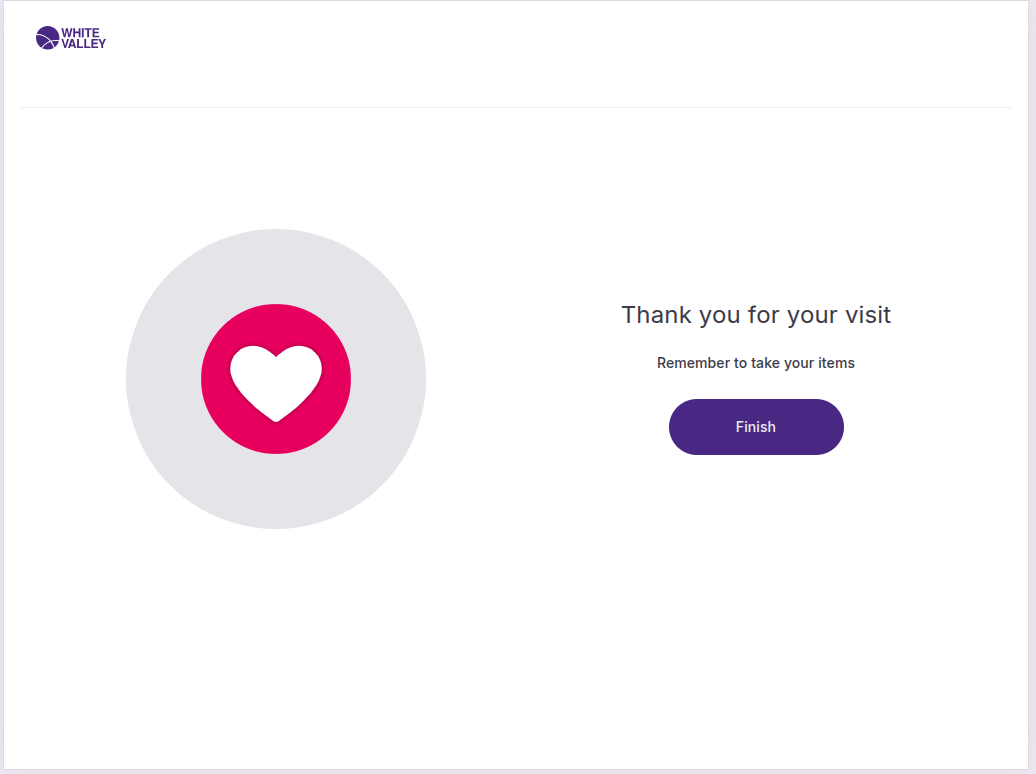
When a delivery method is selected, the order will be finished and if the 'Goodbye screen timeout' field in the back office has a value, the Goodbye screen will be shown for the number of seconds specified.
This screen serves as the final step in the checkout process, providing closure to the customer transaction.
Finish the transaction
Customers have two options to complete their experience.
Manual completion
When customers click the 'Finish' button, the flow will return to the Welcome screen immediately.
Automatic completion
After the timeout specified in the configuration, the system will automatically return to the Welcome screen.
Return to welcome screen
After either clicking 'Finish' or waiting for the timeout to expire, the flow will return to the Welcome screen. This ensures the terminal is ready for the next customer to begin a new transaction.
The transition happens seamlessly, providing a clean start for each new customer interaction.