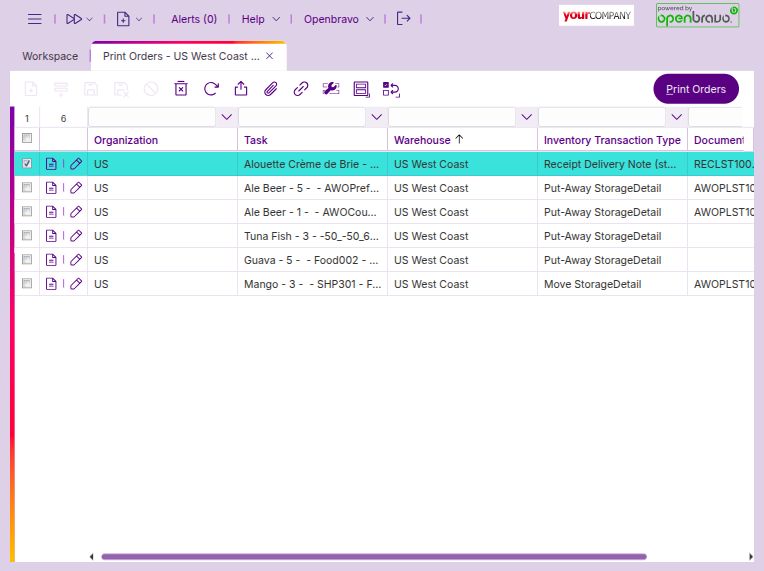
The ‘Print Orders’ window allows warehouse managers to print documents or labels after completing certain tasks. To enable the system to generate these print orders, you must first configure the printing options in the desired routings printing options.
Printing options
To enable the system to generate these print orders, you must first configure the printing options in the desired routings' printing options.
Once the configuration is completed correctly, every time a task is confirmed, a print order will be automatically generated. You can then print it by selecting the corresponding line and clicking the ‘Print Orders’ button.