This section explains some of the flows and general concepts that are useful for system administrators or Q&A, but are not exposed to the user.
It also groups some of the most common Problems and Questions raised and the answer for them
Store Stock Terminals Window
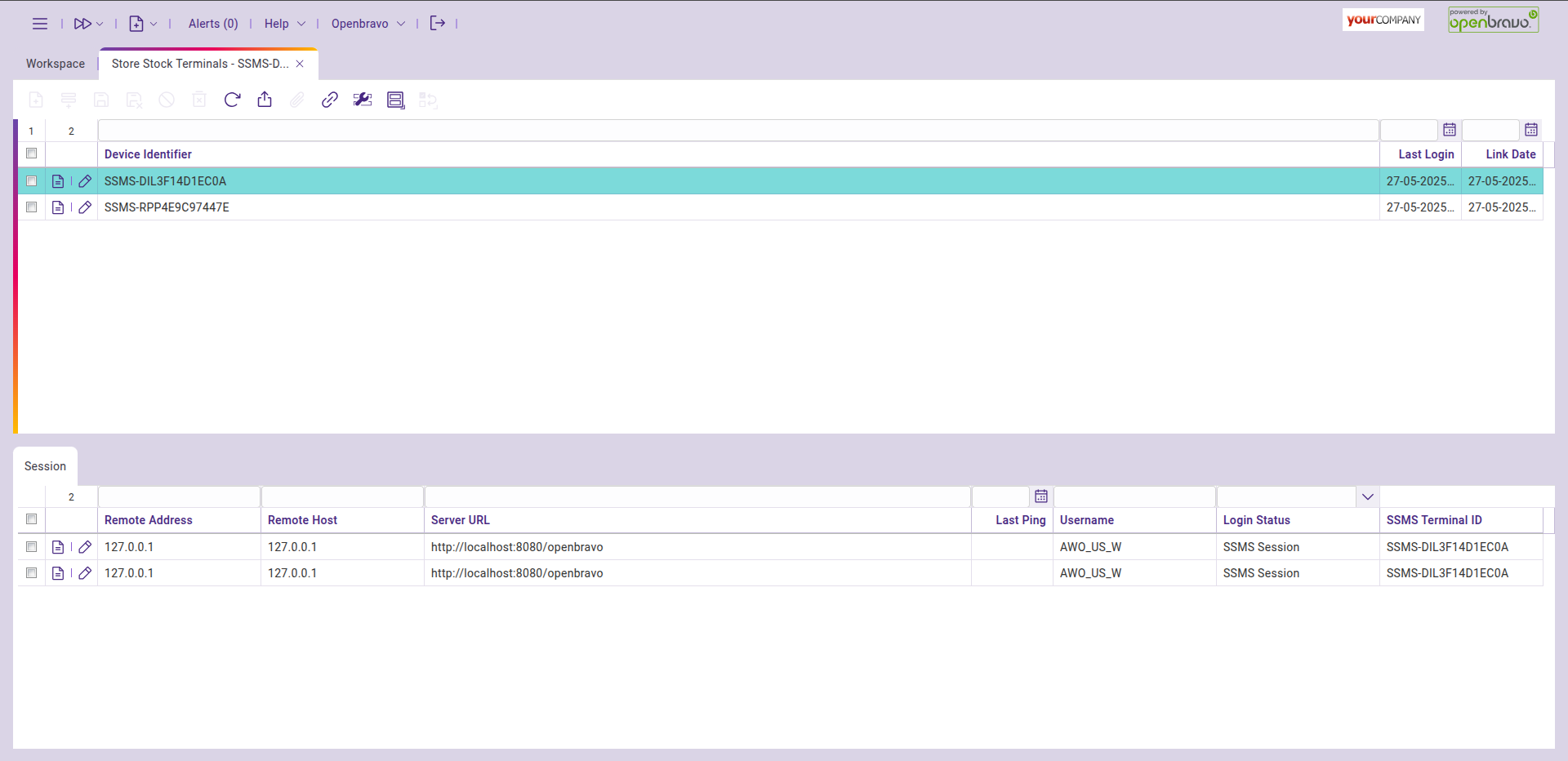
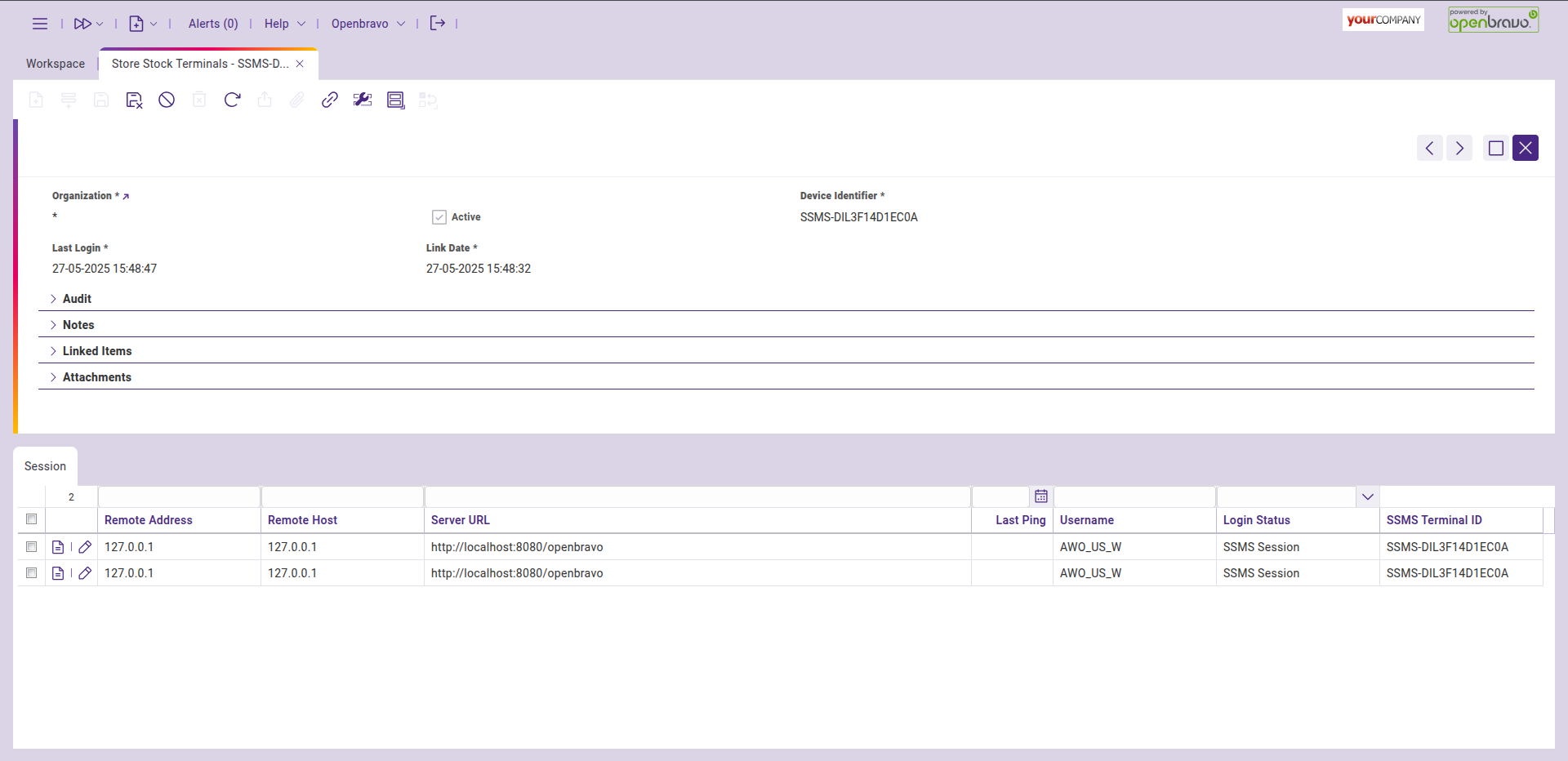
This window displays information about sessions initiated when a device logs in. It includes the device's search key, identifier, last login time, and link date. Additionally, the linked session is shown in the session subtab.
Terminal Log window
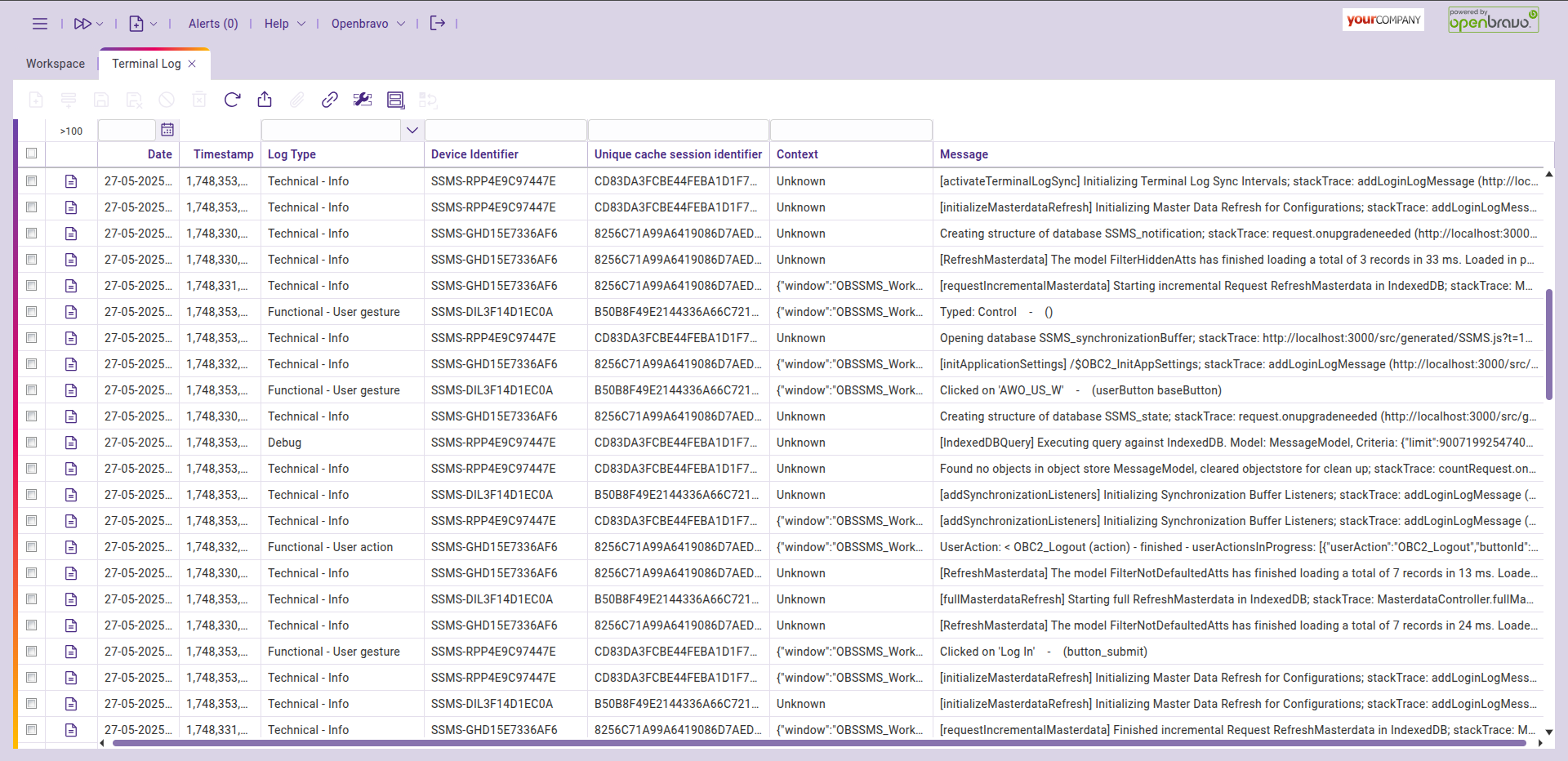
New entries in the terminal log generated by an SSMS terminal will include the terminal's identifier in the Device Identifier column, making it easy to identify the actions performed by each terminal.